
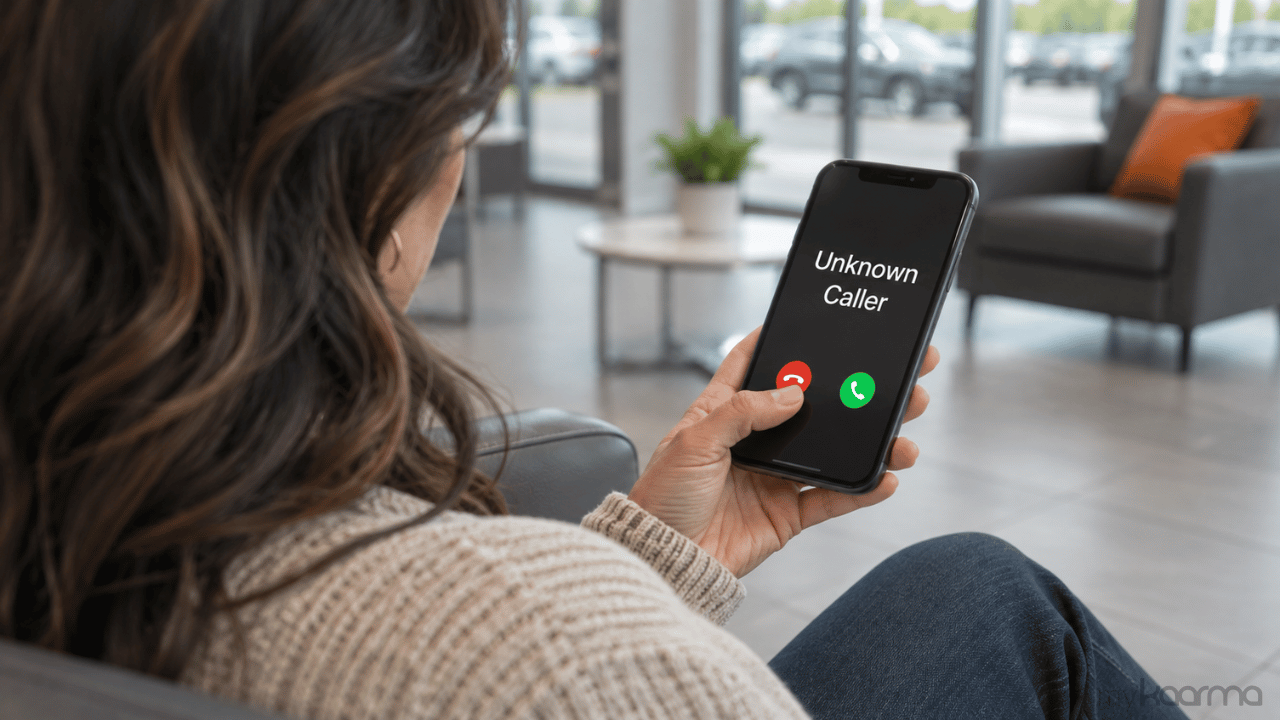
Imagine a customer calling to check on their vehicle while their advisor is busy writing up another repair order. If that call rings at an empty desk and drops during a transfer, it’s frustrating for everyone. Setting up smooth phone routing ensures every call finds someone who can help even when the primary advisor has their hands full.
What SIP connects at your dealership
Session Initiation Protocol (SIP) is simply a standard way phone systems connect and manage calls over the internet. A direct SIP connection allows compatible phone, SMS and VoIP systems to talk to each other seamlessly, while call forwarding sends calls placed to one number over to another destination, such as a different department in your dealership.
The main goal is keeping your familiar numbers working for your customers while making things effortless for your team. The right setup gives advisors the first shot at answering questions about open repairs, while making sure customers always have a friendly backup option if an advisor is busy.
Map your phone numbers and decide who answers
To get started, list your main service number, direct lines, and any numbers customers frequently use. Outline where calls should go during business hours, peak times, and after hours. Be sure to note which numbers receive text messages too.
For your main service line, walk through a typical repair-status call with your team. You might set the assigned advisor as the first stop, the service desk as a backup, and a monitored callback queue as the safety net. Designating a friendly team member to oversee that queue during each shift works wonders.
Set up and test myKaarma Calling on one line
Before updating any live numbers, have your provider and myKaarma set up your new connection. Inside myKaarma Calling, double-check that advisors are assigned to the right department, their direct or mobile details are up to date, and call permissions are enabled. Once department routes and backups look good, you’re ready to test.
Start by running a pilot on a single service line. Place calls from an outside line to experience what your customers hear, and try out these friendly checks with your team:
- Call from both a known customer number and a new one to ensure the caller ID pops up correctly and customer records pull up seamlessly.
- Test two-way audio, transfer the call to a colleague, and try calling back to confirm the caller ID shows your preferred dealership number.
- Simulate an unavailable advisor or an after-hours call to verify that callback requests land with the right team member for prompt follow-up.
Use the symptom to find the first check
- Calls aren’t reaching service? Verify the target destination for the dialed number and check with your provider to see if calls are arriving as expected.
- Only hearing audio on one side? Ask your provider to check the audio network path and make sure firewall settings aren’t blocking sound.
- Calls dropping mid-transfer? Note the time, dialed number, and transfer target. Try dialing the target directly, then share details with myKaarma and your provider to trace the issue.
- Calls ringing the wrong team member? Take a quick look at department assignments, availability rules, and backup routing order.
Roll out once the pilot handles a busy shift
Sit down with your service manager to review missed calls, transfers, and callbacks from your pilot. If any route needs tweaking, make the adjustment and re-test before launching on additional lines. Once you roll it out to the full team, do quick spot-checks during opening, peak hours, and closing to keep things running smoothly.
myKaarma is designed to help your service department thrive. With myKaarma Communications, calls, text messages, and emails stay connected to each customer’s complete history, making it easy for whoever answers next to jump right in and help. For more helpful ideas, check out our guides on managing dealership text messages and integrating an AI phone assistant into your workflow.

See how myKaarma works
Request a demo today to explore custom call routing solutions customized for your dealerships.
Subscribe for Updates
Get updates from the myKaarma team about service growth and fixed ops technology.
Recent
AI Readiness for Dealers and Fixed Ops
Oct 20, 2026